
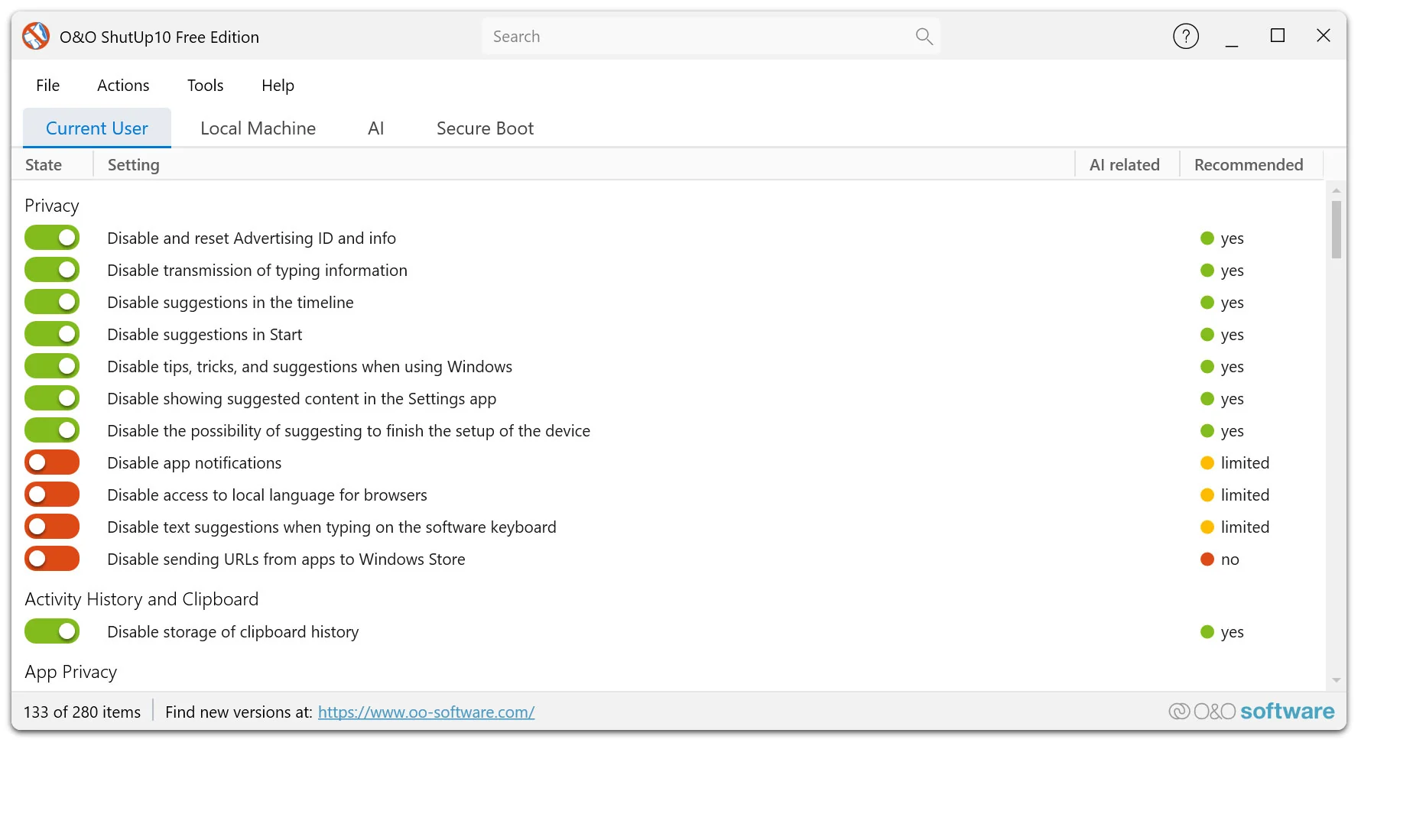


3.6.1135 Released on 9/29/2026
Added
- Hide the “Try the new Outlook” toggle in Outlook (F022)
- Disable automatic migration to the new Outlook (F023)
- Filter settings by category, including in Edit Mode; the search box explains the available filters
- Nine additional program languages: Czech, Korean, Dutch, Polish, Portuguese (Portugal and Brazil), Turkish, Ukrainian, and Traditional Chinese
Improved
- Biometric features title and description (P009) name Windows Hello; the PIN remains usable
- Lock screen setting descriptions (K001, K002) explain that K002 also disables Windows Spotlight
- “Secure Boot” tab shows error details and provides clearer guidance on blocking settings and firmware errors
- Updated the application runtime to .NET 10
- Notes explain which settings Microsoft Defender may revert through Tamper Protection
- PREM: Custom profiles can be overwritten under the same name after confirmation
- PREM: “Add-Only” and “Replace-All” descriptions explain how settings outside the profile are handled
- PREM: Reverted Defender settings are logged; a notification indicates when automatic retries stop
Fixed
- Edge search bar can also be disabled in current Edge versions (E124, E224); previously applied settings need to be applied again
- After a restore point is created successfully, the prompt only returns on the next program start
- Secure Boot certificate status accounts for newer success events and pending restarts; old error values no longer cause an error message
- Secure Boot certificates are recognized even when firmware data contains extra bytes
- Failed Secure Boot certificate update message no longer repeats the same text
- Window comes to the foreground when opened through the notification area icon or a second program instance
- Window size, maximized state, and screen position are preserved after restarting or restoring from the notification area
- Corrected and completed translations, text formatting, and menu access keys across settings and dialogs
- Failed program restarts, including as administrator, report an error code; the existing window stays open if the new instance exits early
- Diagnostics log includes full error details in warnings and informational messages
- Free Edition: Embedded program files are signed to prevent Smart App Control from blocking startup
- PREM: Reduced processor usage while the main window is hidden and fewer repeated queries by the AI status card
- PREM: Unmonitored settings no longer trigger false change notifications or unintended changes by automatic protection
- PREM: Repeated application of settings reverted by Defender is limited to avoid recurring tampering alerts
- PREM: Profile application mode is saved immediately and retained when duplicating profiles; it survives unexpected exits
- PREM: Recurring status queries no longer displace older entries in the change log